On this page
- Ingredient 1: Article CTA
- Tell your agent
- What happens
- Look at the result
- Ingredient 2: Newsletter with follow.it
- Tell your agent
- What happens
- Setting up follow.it
- Ingredient 3: Contact form
- Tell your agent
- What happens
- Look at the result
- Ingredient 4: Discovery reading path
- Tell your agent
- What happens
- Look at the result
- What is next

Your site ranks. Your content is good. Now add the elements that turn readers into action. Three ingredients separate a site that gets traffic from a site that gets business. This lesson is part of the workshop sequence. Make sure your weekly routine is set up after you finish here.
Ingredient 1: Article CTA
Every article should end with a clear next step. Wire can add a call-to-action block at the bottom of every article automatically.
Tell your agent
Set up an article CTA that appears at the bottom of every article page. The title should be "Find Your Perfect Roaster" and the description "We profile every specialty roaster in your region. Independent reviews, no sponsorships." The button should say "Browse Roasters" and link to /roasters/. Also set up a sidebar CTA card with a subscribe teaser.
What happens
- Your agent adds
article_ctaandsidebar_ctato theextra.wiresection inwire.yml. - Wire injects the CTA block at the bottom of every article page, after the content but before the footer.
- The sidebar card appears next to the article content, right where readers are already engaged.
- Both match your brand colors automatically. You configure them once. They appear on every article.
Look at the result
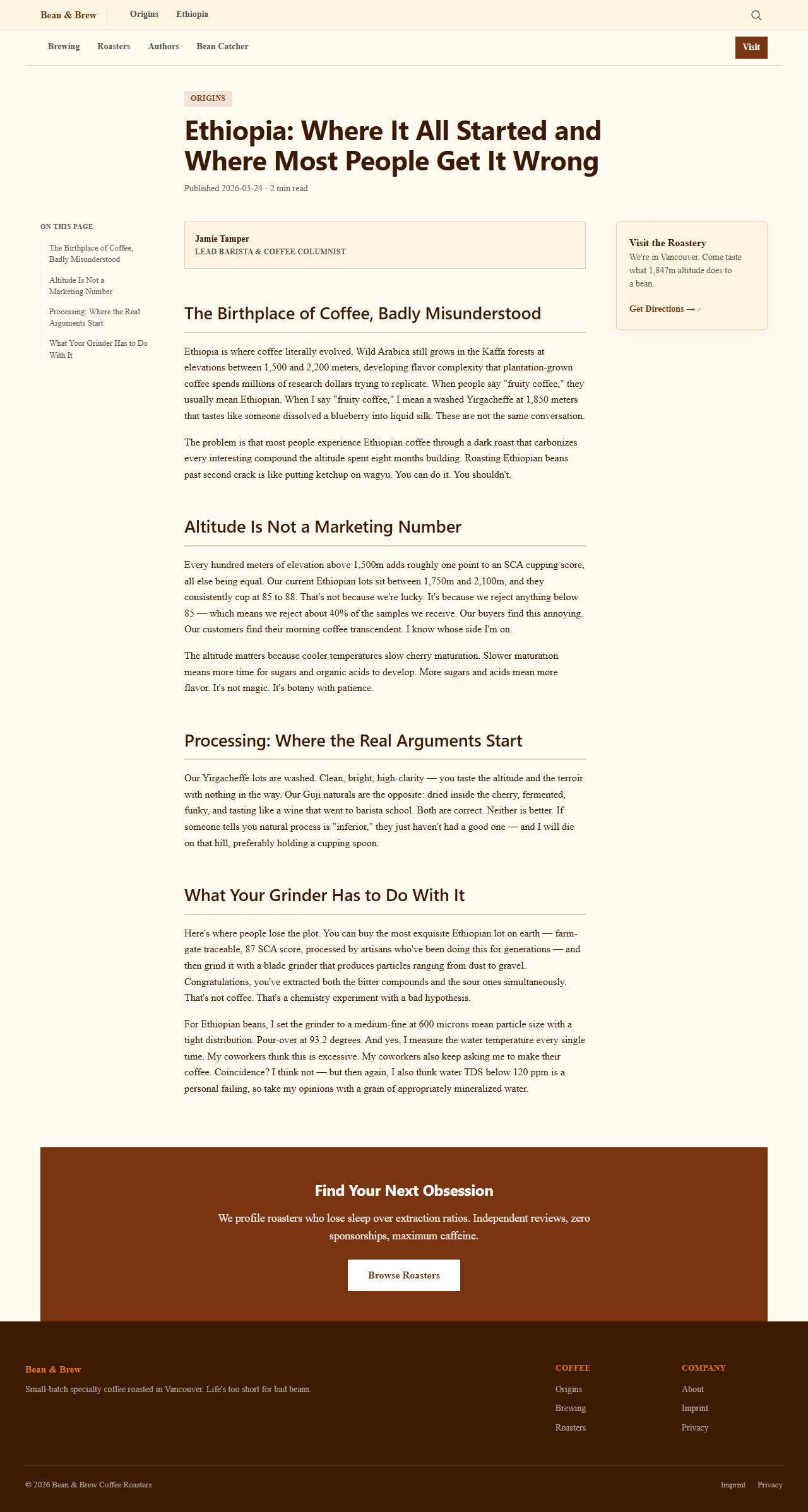
The sidebar card ("Subscribe to Bean & Brew") catches readers while they scroll. The article CTA ("Find Your Perfect Roaster") catches them when they finish. Two conversion points from one config change.
Ingredient 2: Newsletter with follow.it
A newsletter turns one-time visitors into repeat readers. follow.it lets readers subscribe to your RSS feed via email. Wire already generates an RSS feed on every build.
Tell your agent
Add a follow.it newsletter subscription form to the sidebar. Go to follow.it, look at how their embed forms work, and add a subscribe form that appears in the sidebar of every article. Use our brand colors for the form styling.
What happens
- Your agent adds a sidebar widget with a follow.it subscription form.
- The form uses your RSS feed URL (which Wire generates automatically at
/feed.xml). - Readers enter their email and get notified when you publish new content.
- The form appears in the sidebar of every article, next to the table of contents.
Setting up follow.it
- Go to follow.it and click "Offered feeds"
- Enter your RSS feed URL:
https://yourdomain.com/feed.xml - Customize the form appearance to match your brand
- Copy the embed code
- Tell your agent to add it to the sidebar template
Wire's sidebar already has a CTA card. The newsletter form fits naturally below it.
Ingredient 3: Contact form
A static site cannot run server-side code. But Wire has Formspark integration built in. You add a form_id to wire.yml, write a plain HTML form in your markdown, and Wire handles everything: AJAX submission, honeypot spam protection, page visit tracking, and a success message. Zero JavaScript to write.
Tell your agent
Create a contact page with layout landing. Add a simple form with fields for name, email, and message. Then add my Formspark form ID to wire.yml so Wire handles the submission automatically. My form ID is C4vTipxYT.
What happens
- Your agent creates a landing page with a plain HTML
<form>in the markdown. Just fields and a submit button. - It adds
form_id: C4vTipxYTto theextra.wiresection in wire.yml. - Wire detects the form, loads its built-in
forms.js, and wires up AJAX submission, a honeypot field to block bots, and a thank-you message after sending. You did not write a single line of JavaScript. - The form tracks which pages the visitor saw before submitting, so you know what content brought them to your contact page.
Look at the result
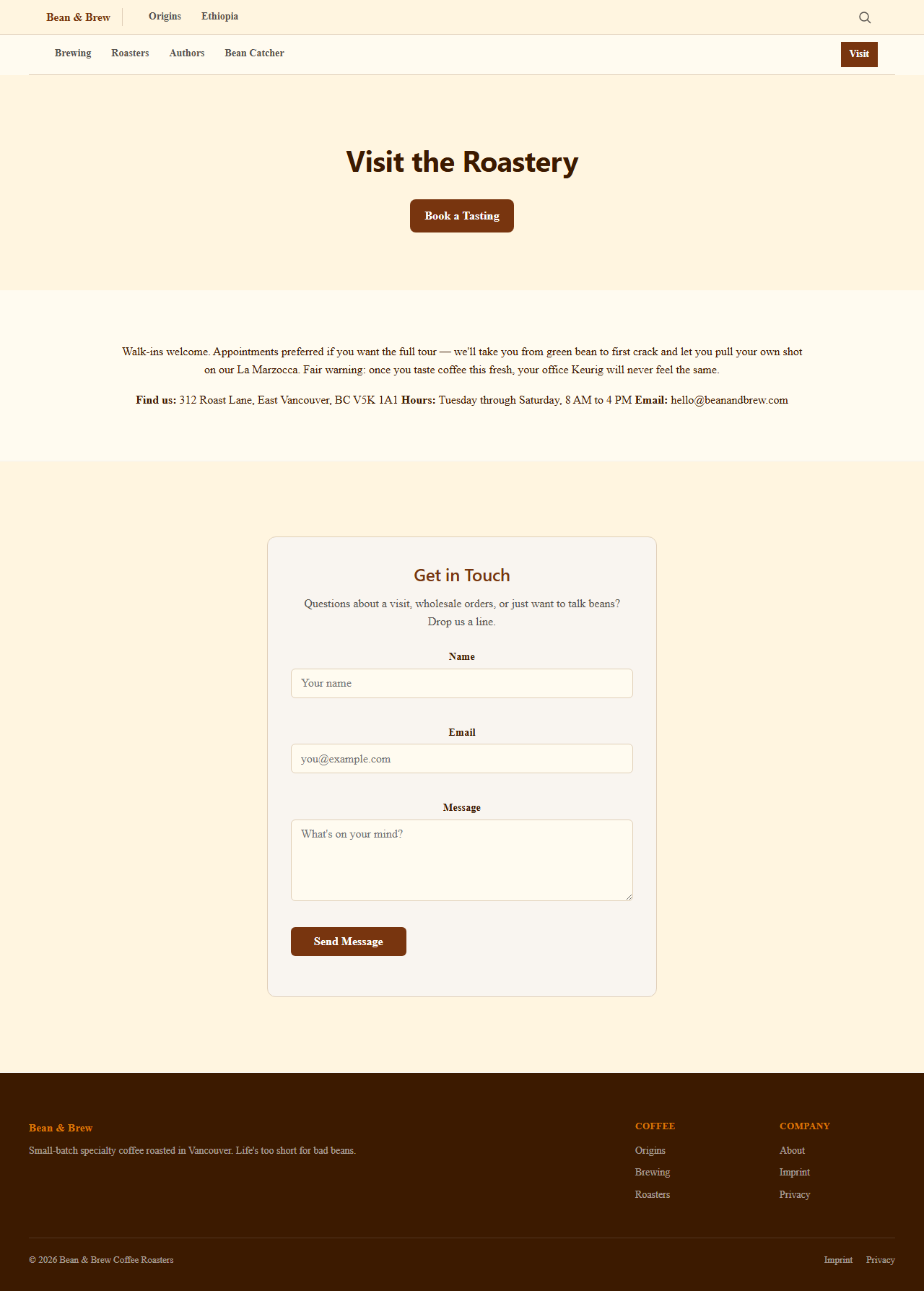
The form submits without reloading the page. Spam bots get caught by the honeypot. You see the visitor's page journey in your Formspark dashboard. All from one line in wire.yml.
Ingredient 4: Discovery reading path
Your topic has multiple articles. But visitors land on one page and leave. A discovery path guides them through your content in the right order, like chapters in a book.
Tell your agent
Create a discovery reading path for the Origins topic. Add a steps.md file that guides readers through three stages: first Ethiopia (where coffee began), then processing methods (why the same bean tastes different), then altitude (why elevation matters). Each step should link to the matching section in the article.
What happens
- Your agent creates
docs/origins/steps.mdwith:::stepblocks that reference your article headings. - Wire renders a guided reading component at the top of the topic. Readers click "Start reading" and follow the path through your content.
- Each step shows a title, a short teaser, and a link to the relevant article section.
- The path keeps visitors on your site longer and reading deeper. Google sees the engagement signals.
Look at the result
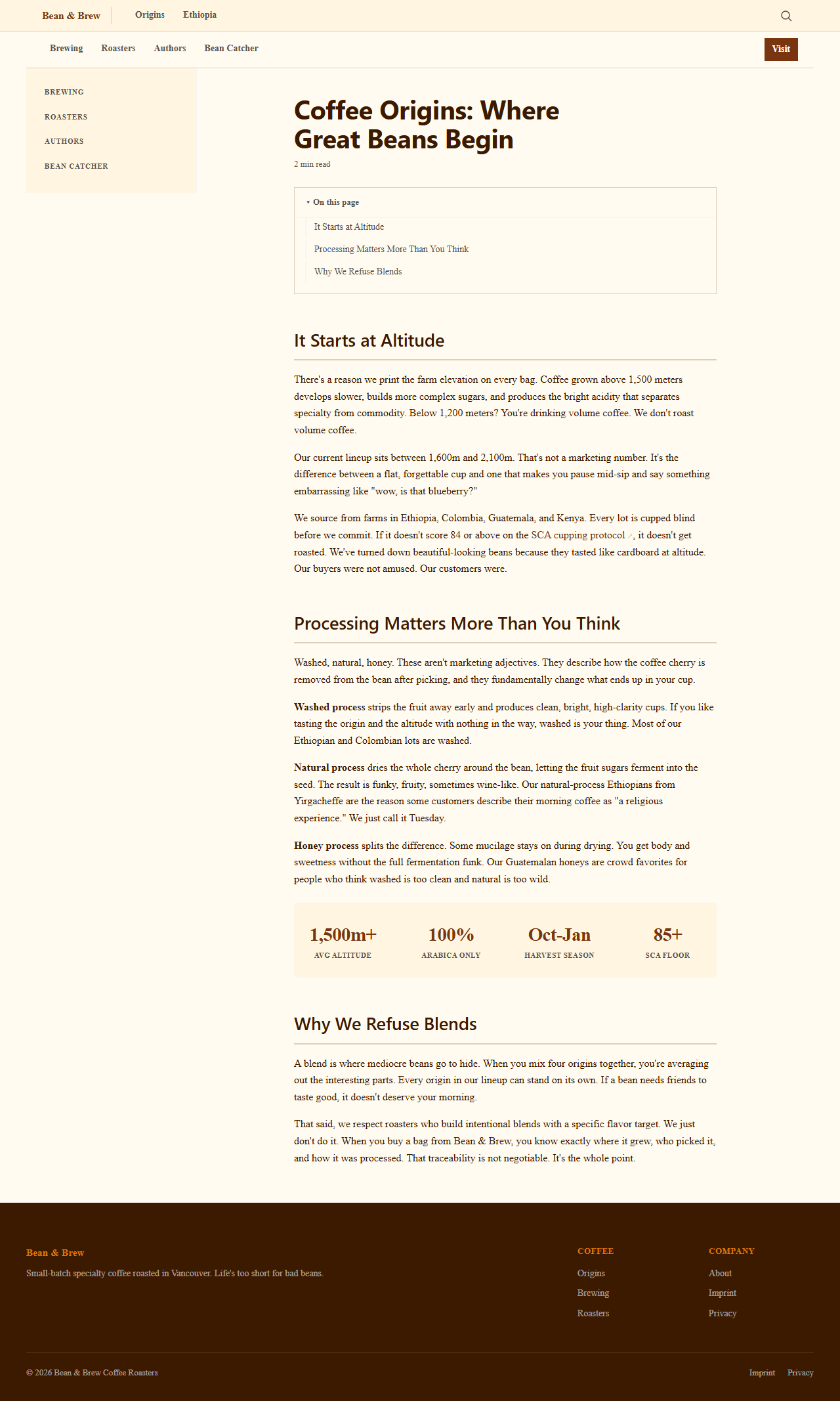
A reading path turns scattered articles into a curriculum. Visitors follow the thread instead of bouncing after one page.
What is next
Four ingredients, four prompts. Your site now converts readers, collects subscribers, handles contact forms without a backend, and guides visitors through your content. Move on to Lesson 11 to see what else your agent can build.