On this page

Wire ships with a clean default look that works out of the box. Every Wire site should have a brand.css file. It is how your site stops looking like a template and starts looking like yours. One file, loaded after Wire's defaults, overrides everything. CSS custom properties make this possible. This lesson is part of the workshop and follows directly from your first build. After styling, you will plan your offerings.
Step 1: Set your brand colors
Tell your agent:
My brand colors are deep coffee brown (#3E2723), warm gold (#D4A017), and cream (#FDF6EC). Read Wire's CSS file, find the color variables, and create a brand.css that overrides them. Add it to wire.yml. Then rebuild.
What happens
- Your agent reads Wire's default CSS to find the color variables.
- It creates
docs/assets/css/brand.cssthat overrides the root variables. Typically 15-20 lines. - It adds this file to
wire.ymlso Wire loads it after the defaults. - Wire rebuilds. Every page picks up the new colors instantly. Navigation, buttons, stats, cards, footer, links. All from one file.
Look at the result
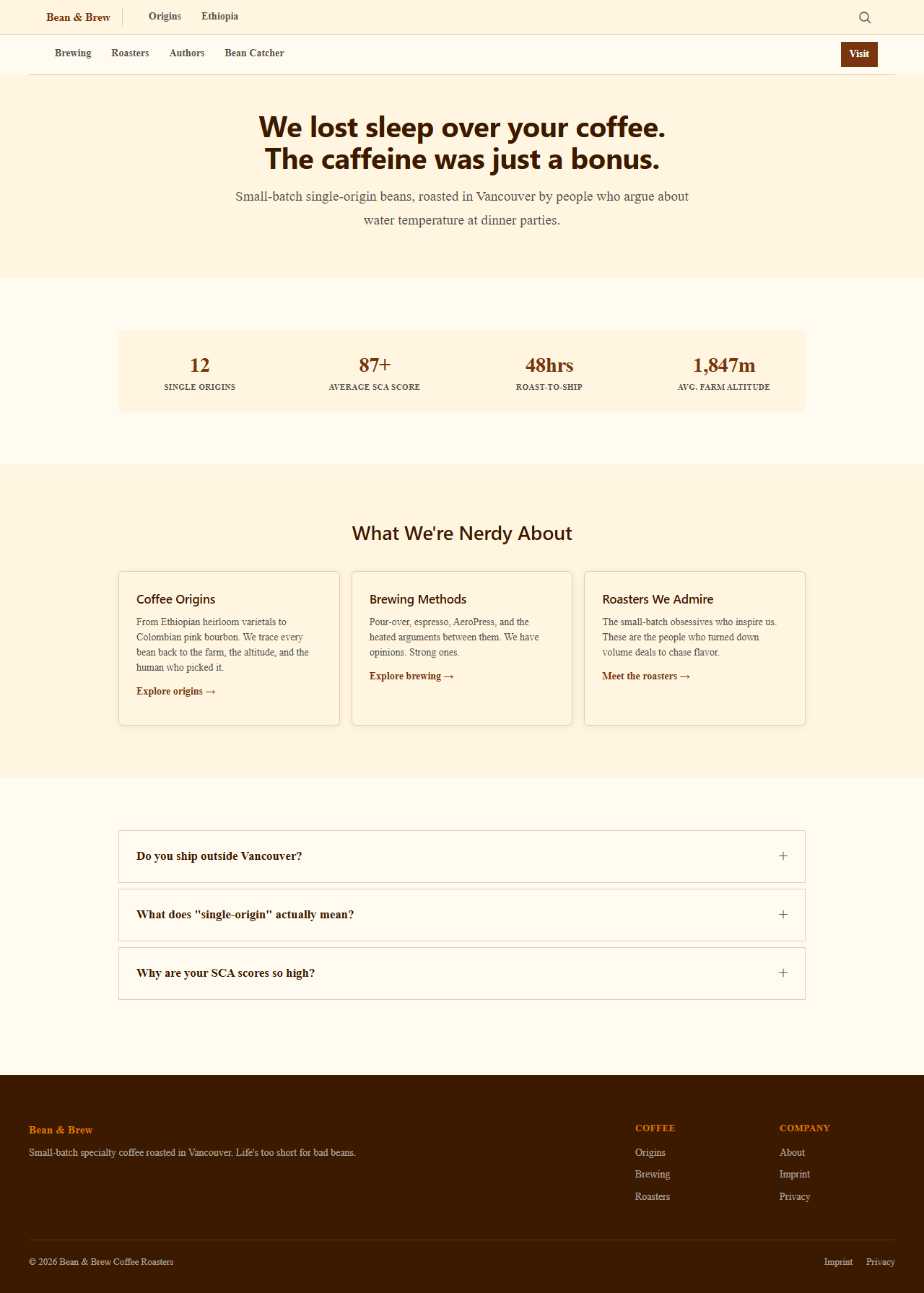
Same landing page. Different brand. The CSS variables cascade through every component Wire has.
Step 2: Style the components
Colors are the foundation. But your site still looks like every other Wire site with different colors. Now make it feel like yours.
Tell your agent:
This looks too clean and documentation-like. I want it to feel personal, warm, and strong. Like holding a good coffee. Read the brand.css you created and Wire's default CSS. Then style the components: make cards feel tactile with subtle shadows and warm borders. Give buttons more weight and roundness. Make the stats bar feel grounded, not floating. Style blockquotes like handwritten margin notes. Add warmth to the footer. Every component in brand.css should reflect our identity: confident, approachable, artisan. Show me what you changed.
What happens
- Your agent reads both Wire's CSS and your existing brand.css to understand the baseline.
- It extends brand.css with component-level styling: card borders, button shapes, stat bar backgrounds, blockquote accents, footer tones, hover effects.
- Wire rebuilds. The page still uses the same components but now they feel different. The structure is Wire. The personality is yours.
Look at the result
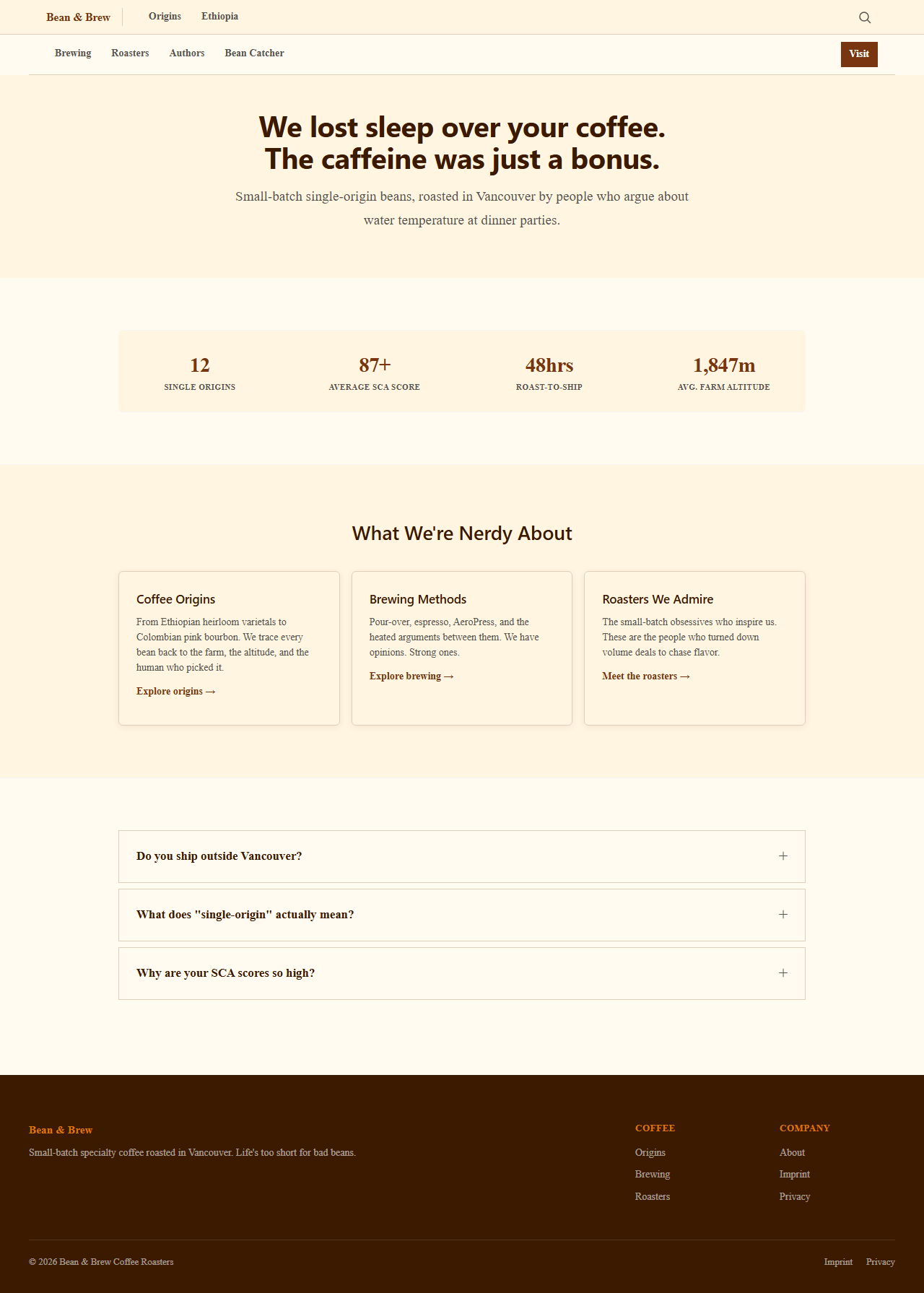
Same components. Different character. Your cards have depth. Your buttons invite clicks. Your stats bar anchors the page. Your agent did this from a description of how you want it to feel, not from CSS specifications.
Go deeper
- Design system lists all CSS variables and their purpose
- Components reference shows how components use the theme colors